【AI Domestic Servers】Temporary Solution for Nvidia Cards Experiencing HW Power Brake Slowdown, Domestic PCIe 4.0/5.0 Switches for GPU Expansion Cards, NVMe Storage Cards, Replacing Broadcom
After installing a new Tesla graphics card, the power consumption consistently failed to reach its potential. With a 250W TDP, it could only reach 70W under full load. Ubuntu didn't show core frequency information, so I had to use nvidia-smi -q -d PERFORMANCE to diagnose the issue:
~$ nvidia \-smi -q -d PERFORMANCE

\==============NVSMI LOG \==============

Timestamp                                 : Sun Oct 23 12:36:25 2022
Driver Version                            : 515.65.01
CUDA Version                              : 11.7

Attached GPUs                             : 1
GPU 00000000:84:00.0
    Performance State                     : P0
    Clocks Throttle Reasons
        Idle                              : Not Active
        Applications Clocks Setting       : Not Active
        SW Power Cap                      : Not Active
        HW Slowdown                       : Active
            HW Thermal Slowdown           : Not Active
            HW Power Brake Slowdown       : Active
        Sync Boost                        : Not Active
        SW Thermal Slowdown               : Not Active
        Display Clock Setting             : Not Active
After much Googling, I suspected the problem was due to an old motherboard (mine is an Inspur X79) that couldn't recognize the Tesla graphics card's "power brake slowdown" signal line. I couldn't find any motherboard driver updates, so the problem seemed unsolvable.
Later, I saw a solution in the NVIDIA community where someone resolved it by taping off pin 30 of the PCIe connector, so I decided to give it a try.
RTX A5000 stuck at 400-500MHz due to HW Power Brake Slowdown on Ubuntu 20.04.3 - #2 by jvnugteren - Linux - NVIDIA Developer Forums
First, let's look up the PCIe pinout definition.
PCI-E的针脚定义的简单讲解(备忘)_015646的博客-CSDN博客_pcie接口引脚定义
Key positions:
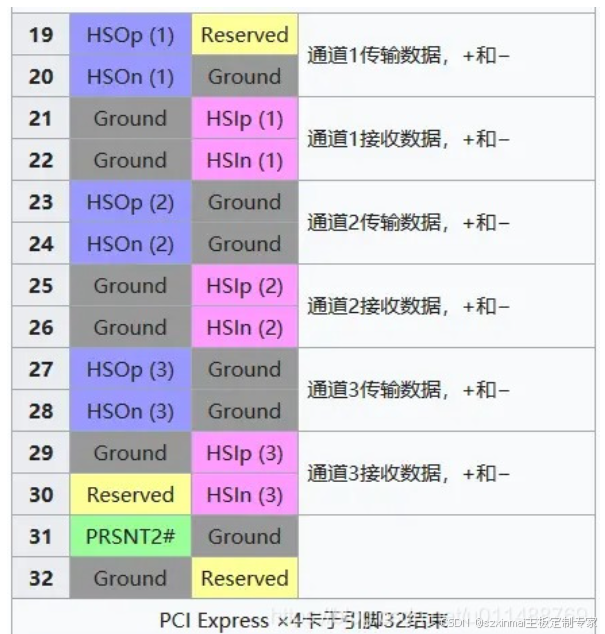
As you can see, there's a reserved pin to the left of pin 30. It's likely that Tesla graphics cards, and some Quadro cards, have extended its functionality to define a "Power Brake Slowdown" signal. Our motherboard, being unaware of this, continuously outputs a signal to this pin, leading to insufficient power delivery. Therefore, our task is to block it.
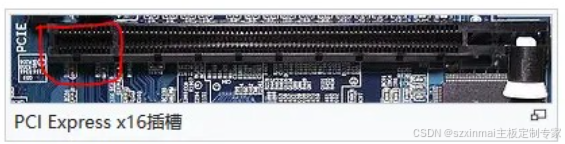
Note that pin 30 is counted from the first pin on the power side; do not skip the 11 power pins. See the image below.
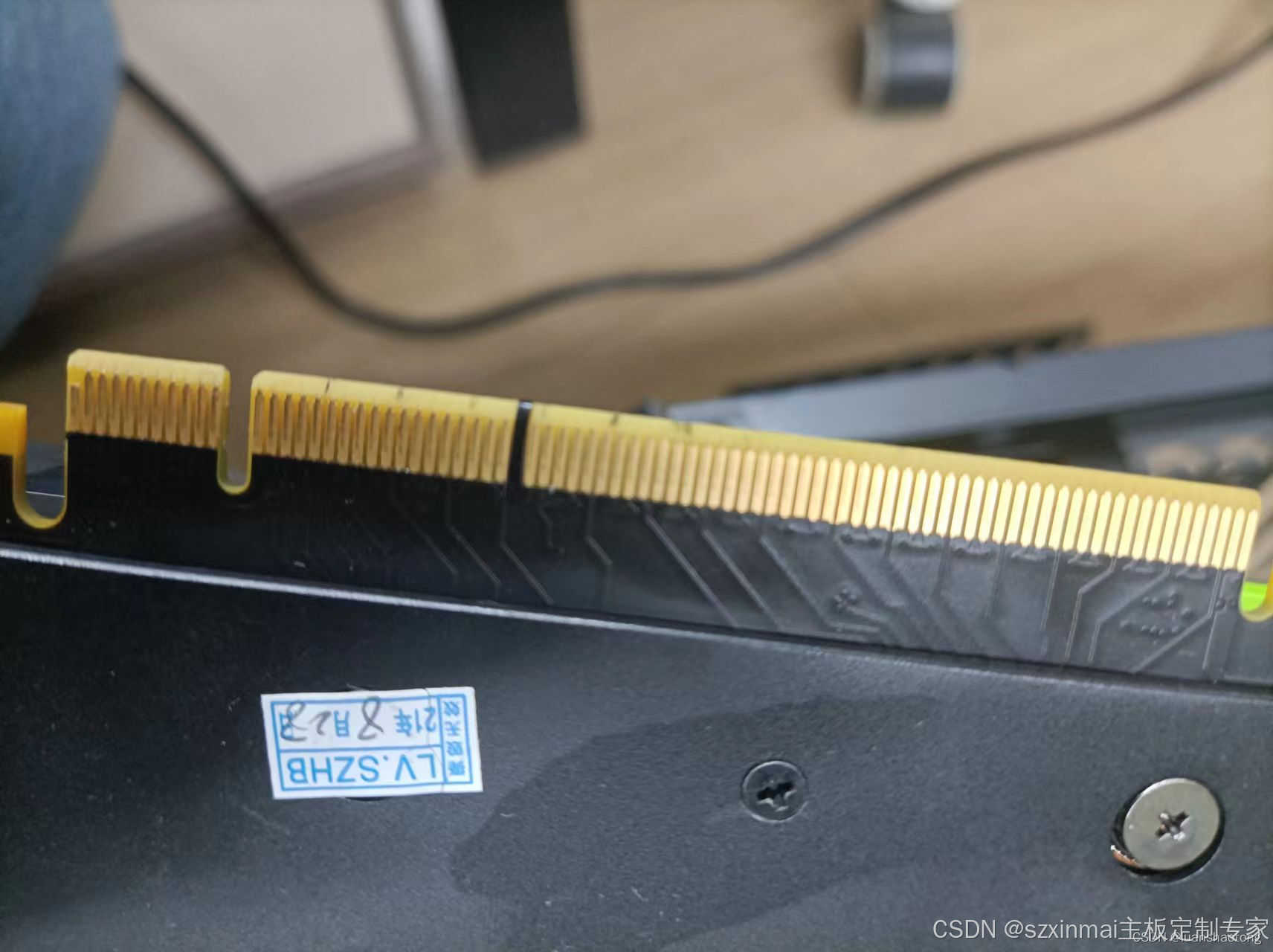
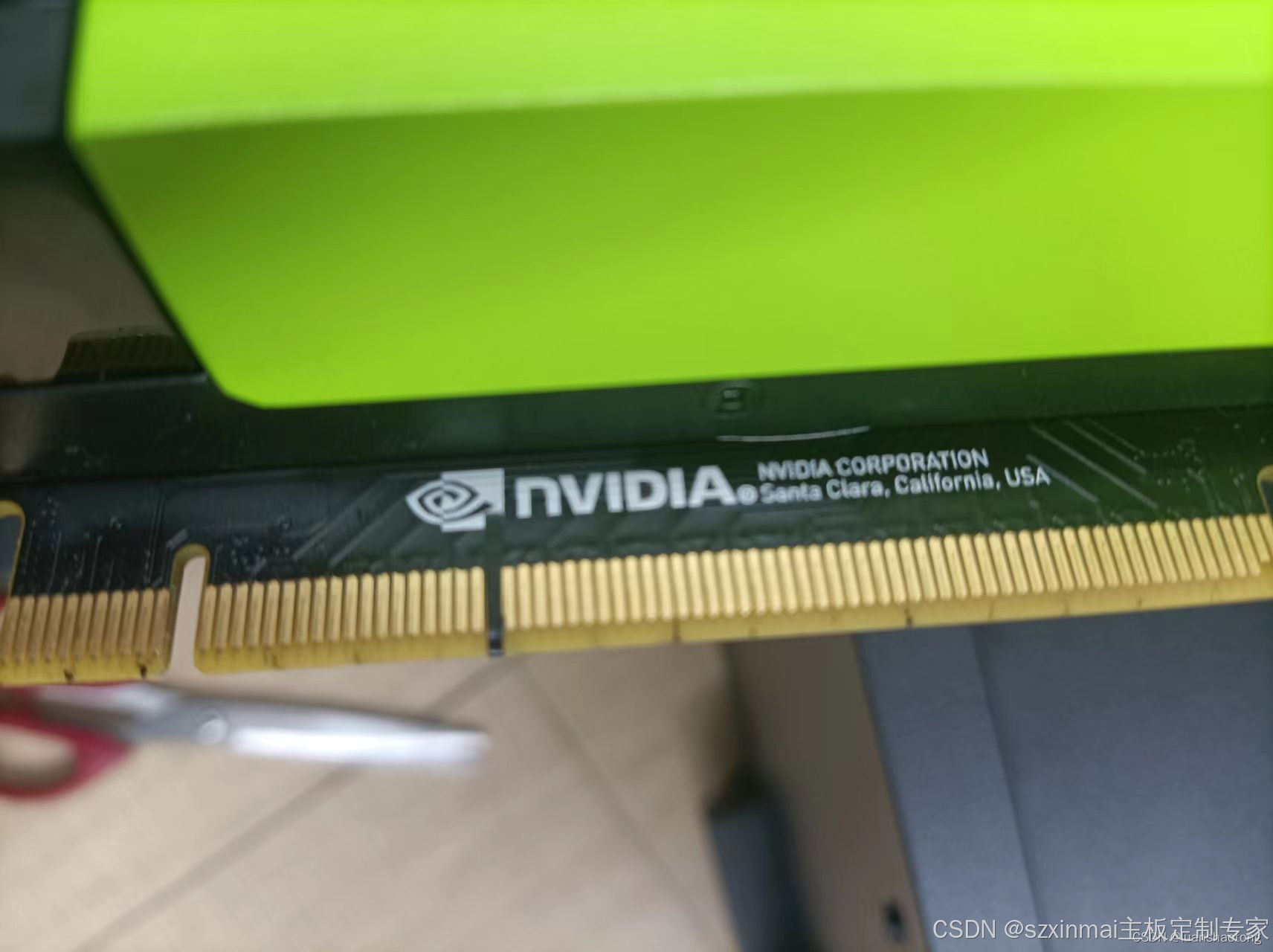
Prepare insulating tape (regular tape is not recommended). To prevent the tape from slipping, cut it into thin strips, 1.5mm wide and 2cm long. Stick it across both sides of the graphics card's gold fingers, covering the left and right sides of pin 30 (as shown in the image). If you only stick it on one side, the tape might be pushed off when inserting the PCIe card.
Reboot and check the graphics card:
~$ nvidia-smi -q -d PERFORMANCE

\==============NVSMI LOG==============

Timestamp                                 : Sun Oct 23 12:58:18 2022
Driver Version                            : 515.65.01
CUDA Version                              : 11.7

Attached GPUs                             : 1
GPU 00000000:84:00.0
    Performance State                     : P0
    Clocks Throttle Reasons
        Idle                              : Not Active
        Applications Clocks Setting       : Not Active
        SW Power Cap                      : Not Active
        HW Slowdown                       : Not Active
            HW Thermal Slowdown           : Not Active
            HW Power Brake Slowdown       : Not Active
        Sync Boost                        : Not Active
        SW Thermal Slowdown               : Not Active
        Display Clock Setting             : Not Active
The issue is resolved, and the tested power consumption can now reach over 200W.
Precautions:
-
If the tape is misaligned, other malfunctions may occur, so proceed with caution. Especially if non-insulating tape is used, it could lead to a short circuit.
-
Since the right side of pin 30 is also covered, the number of PCIe lanes might be reduced. In my scenario, testing showed no immediate impact, but this issue should be noted.