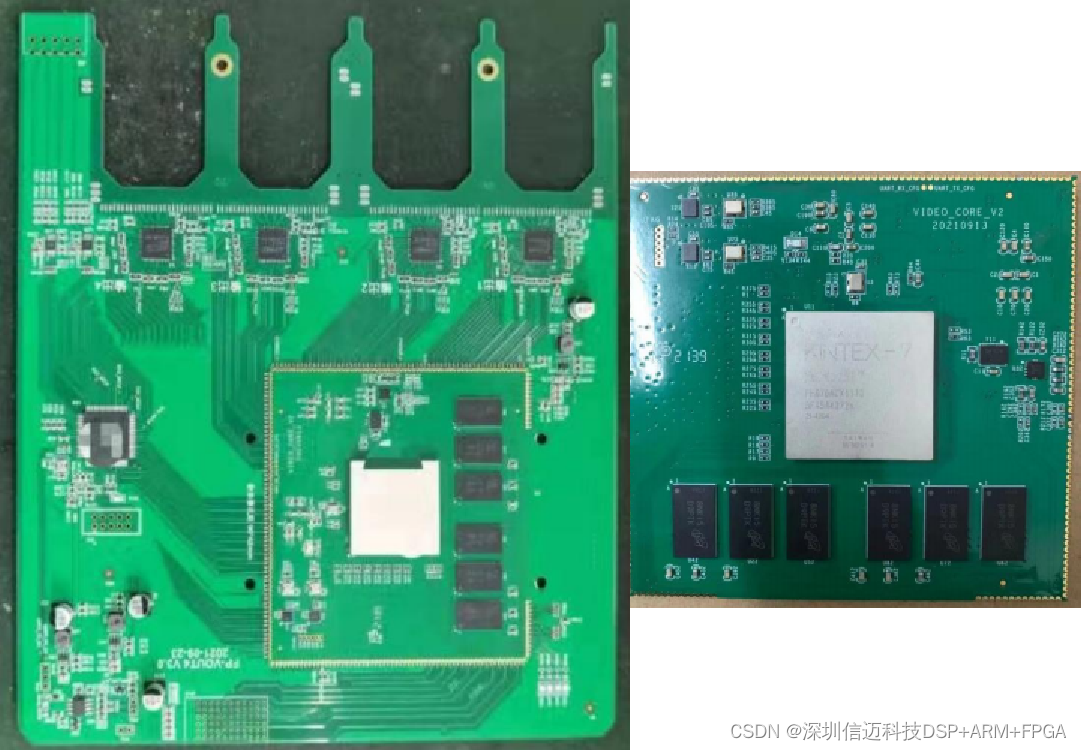
FPGA-based Video Matrix Switching Solution
I. System Solution for a Single Display Device: Conference Room with Only 1 Display Device
A conference room may have many signal sources but only one display device. In this scenario, the best solution is to use a switcher.
(1) Switcher (Control Methods: Remote Control, Software, Chassis Panel, Central Control)
Signal sources connect to the switcher's input ports, and the switcher's output connects to the display device. Common interface types include VGA and HDMI. For example: 16 computers connect to the switcher's inputs, and the switcher outputs to a projector (as shown below). Qiyao Technology's switchers feature three control methods: infrared remote control, software (RS-232 serial port), and chassis panel.
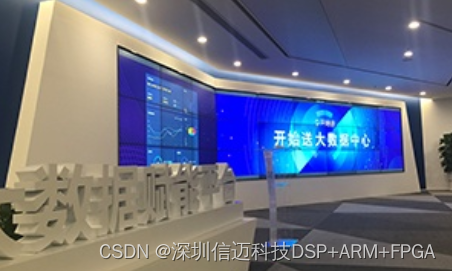
(2) Automatic Switcher (Control Methods: Automatically detects and prioritizes the last connected signal for output switching, Remote Control, Chassis Panel)
Automatic HDMI Switcher: Last-in, first-displayed. This means the last connected signal is automatically detected and prioritized for output switching. During automatic switching, audio always switches along with video (this type of product can also be switched using a remote control).
Switching method description: With three computers A, B, and C, if A is connected, computer A's screen is displayed. Then, if B is connected, computer B's screen is displayed. Then, if C is connected, computer C's screen is displayed. At this point, if C is disconnected, computer B's screen is displayed. After that, if B is disconnected, computer A's screen is displayed. If C is reconnected at this point, computer C's screen is displayed. It will always automatically switch to the last connected signal.
(3) Wired Control + Switcher (Control Methods: Desktop Button Switching, Remote Control, Chassis Panel)
Each channel of the wired control uses 2 wires to connect to a desktop button. The wired control and the switcher are connected via an RS-232 serial cable. The effect achieved is: pressing desktop button #1 switches to the first channel's display, and pressing desktop button #2 switches to the second channel's display.
II. System Solution for Multiple Display Devices: Conference Room with Multiple Display Devices
(1) Multiple Display Devices Always Show Identical Content
Multiple signal sources and multiple display devices. If all display devices always show identical content, you need to use a Switcher + Splitter. The switcher can be an Automatic Switcher + Splitter, or a Non-automatic Switcher + Splitter.
(2) Multiple Display Devices Show Different Content
Multiple signal sources and multiple display devices. If you need to switch different content to different display devices at any time, a matrix is required.
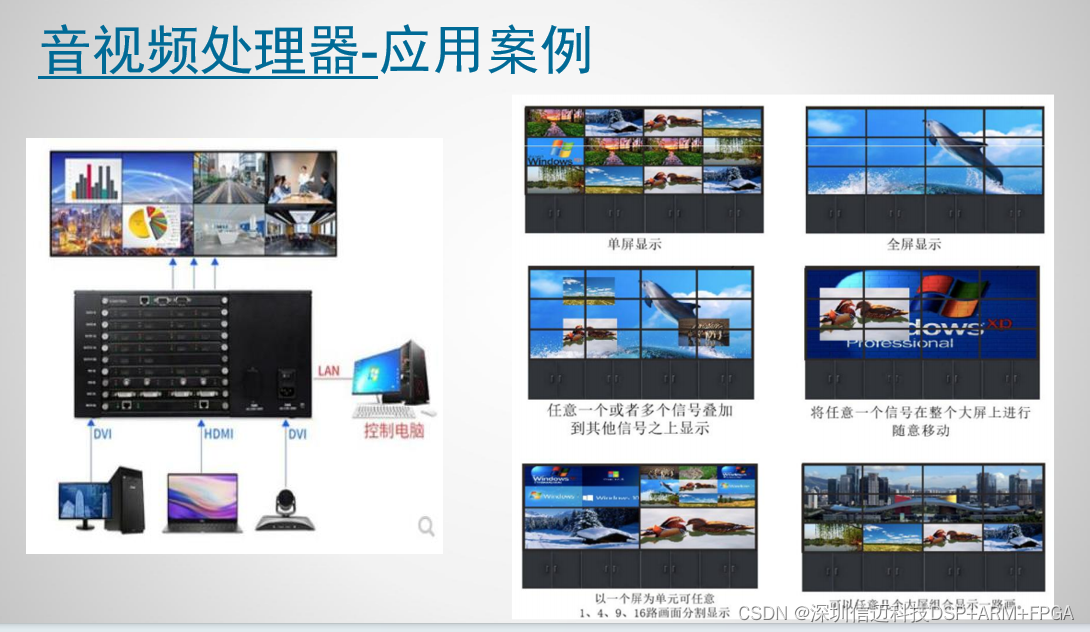
Xinmai is an embedded solution provider focused on FPGA-based core technologies, primarily offering services in video processing, high-speed communication, artificial intelligence, industrial machine vision inspection, and other fields. Its main product series include splicing processors, industrial printers, industrial cameras, AR glasses, and video capture devices, which are widely used in exhibitions, touch interaction, advertising media, intelligent manufacturing, and other sectors. The company boasts a complete R&D system and strong software and hardware development capabilities, enabling it to deliver stable and reliable product development and manufacturing services to customers in the shortest possible time.
With our professional technical standards and strong technical capabilities, coupled with a reliable quality assurance system and a comprehensive service system, we earn the support and trust of users and society. We continuously provide users with the latest cutting-edge high-tech products and tailor comprehensive professional application solutions for you.
Audio/Video Matrix - 2K Resolution Sample
① Single board supports 4 inputs and 4 outputs, including any video resolution up to 1920x1200P60. ② Single board supports HDMI, VGA, DVI, optical fiber, SDI, and HDBaseT interfaces. ③ Adaptive interface input resolution. ④ Configurable interface output resolution. ⑤ Any input can be switched to any output channel, with seamless switching and no black screen. ⑥ 20ms broadcast-grade switching speed and latency. ⑦ Pure RGB image processing for more accurate colors. ⑧ Backplane card supports up to 144 inputs and 144 outputs.
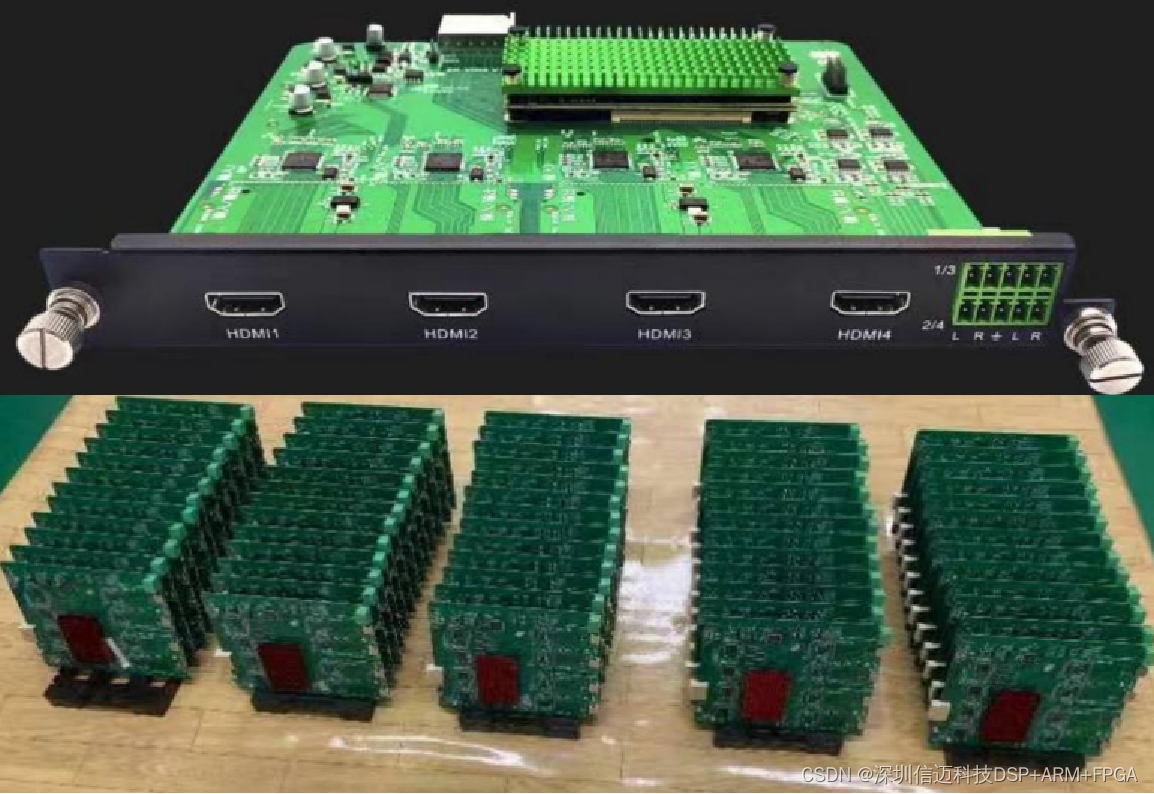
Audio/Video Processor - 4K Resolution Sample
① Single board supports 4 inputs and 4 outputs, including any video resolution up to 4096x2160P30. ② Single board supports HDMI, VGA, DVI, optical fiber, SDI, and HDBaseT interfaces. ③ Adaptive interface input resolution. ④ Configurable interface output resolution. ⑤ 20ms broadcast-grade switching speed and latency. ⑥ Pure RGB image processing for more accurate colors. ⑦ Supports arbitrary splicing of 4 channels on a single screen, windowing, roaming, overlay, scaling, rotation, polling, and OSD. ⑧ Applicable to matrix, splicing, splitting, multi-screen display, and other application scenarios.