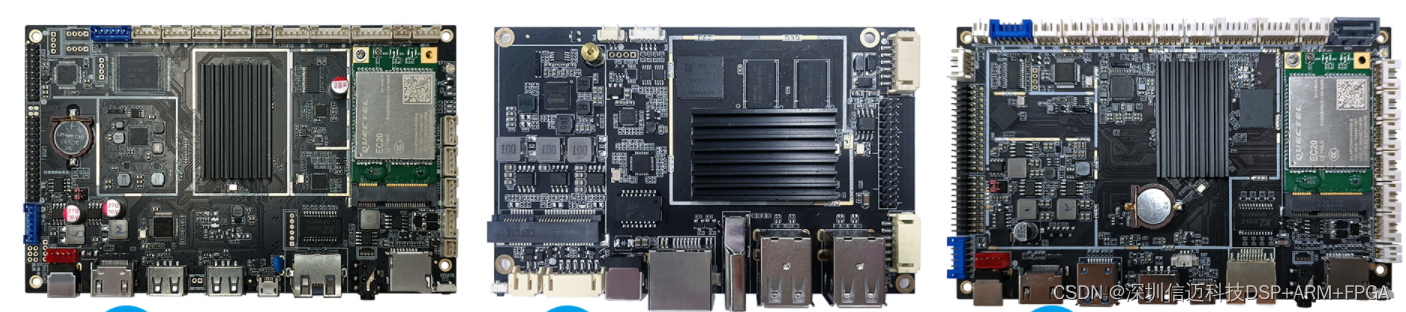
基于RK3568新零售智能售货柜解决方案
Title: RK3568-Based Smart Vending Cabinet Solution for New Retail
Content: I Solution Overview
Smart Vending Cabinet Solution for New Retail:
In the field of unmanned retail, vending machines remain a highlight alongside shelf-style无人retail solutions. However, many still believe that traditional vending machines are outdated and unlikely to become rising stars in the new retail landscape. With the widespread adoption of mobile and facial recognition payments, and continuous innovation in smart vending technology, unmanned shelves and vending machines have become increasingly user-friendly, offering richer product selections, more affordable pricing, and enhanced intelligence. As a result, consumers have gradually evolved from merely accepting smart retail to actively using and ultimately relying on it. Today, numerous mature new retail business models have emerged in the market.
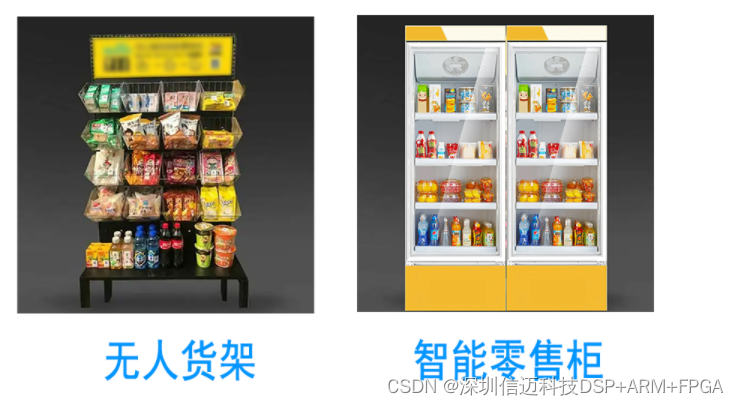
I Product Advantages
- Take-first, pay-later model significantly enhances shopping experience
- Fewer mechanical components in vending machines result in lower failure rates and easier, faster restocking
- No limitations on shelf layers or number of lanes, maximizing cabinet space utilization
- Accurate data collection enables automatic inventory and sales tracking—no manual logging or software configuration required, ensuring precise stock management
- Real-time network connectivity enables fully online, network-based operations and management
- No operation panel required, compact body design reduces transportation and space rental costs
- Fast multi-tag reading reduces customer shopping time
I Product Usage
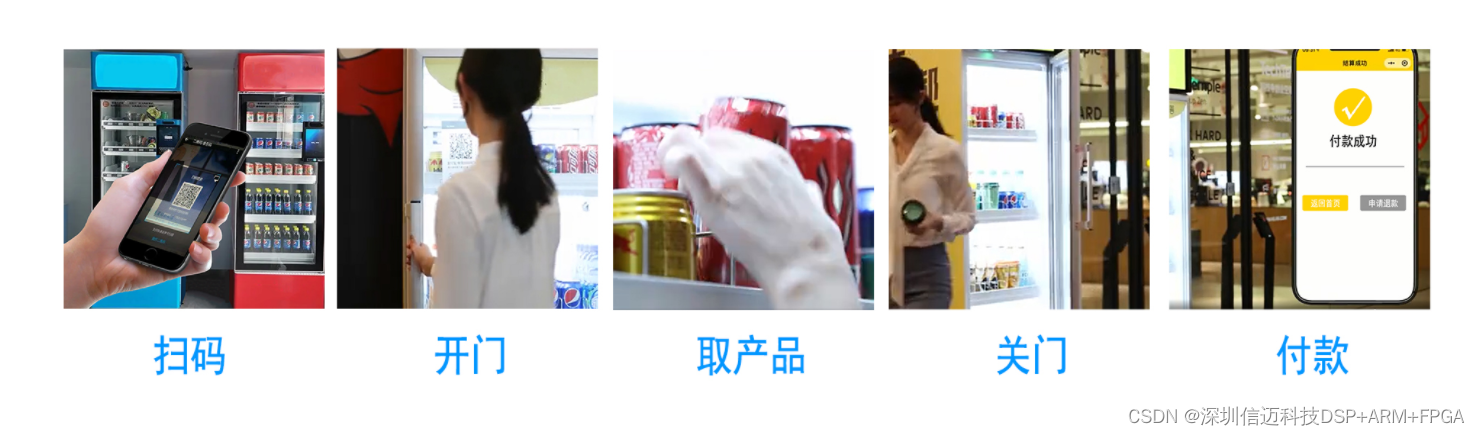
Usage Steps: Scan code – Open door – Take items – Close door – Automatic payment completed
-
Open the WeChat or Alipay app on your phone and tap the "Scan" function. Scan the QR code displayed on the smart vending cabinet, typically located on the front panel. If this is your first time using such a smart vending machine, you'll be prompted to enable password-free payment. Feel free to activate it—your data is encrypted and subject to transaction limits, minimizing potential risks. Once enabled, you won't need to set it up again for future use.
-
After scanning, you'll hear a "click" sound indicating the door has unlocked. Open the door and select the items you want. Don't hesitate—take as many items as you like, with no quantity restrictions.
-
Close the door. Upon hearing the "click" of the lock engaging, payment will be automatically processed. You can then view the deduction details and itemized receipt on your phone.
Notes:
-
Always remember to close the door after taking items, and avoid disturbing the arrangement of goods inside—help maintain public order and courtesy.
-
When using AI-powered smart cabinets, ensure your phone maintains stable network connectivity. Poor network conditions may cause operational delays—please wait patiently.
-
If you decide not to purchase an item, simply return it to its original position before closing the door.
-
If you've already removed items and closed the door, contact customer service via the phone number displayed on the cabinet, or scan the code and reach out through the official account for a refund.
I Main Control Board