Rockchip RK3399/RK3568 + FPGA Hardware Acceleration Design Solution
Rockchip RK3399/RK3568 + FPGA hardware acceleration design solution. The RK3399 interfaces with the FPGA via MIPI or PCIe. Xinmai Technology offers a mature solution.
FPGAs supported include ZYNQ/A7/K7, as well as domestic options like Anlogic and Gowin.
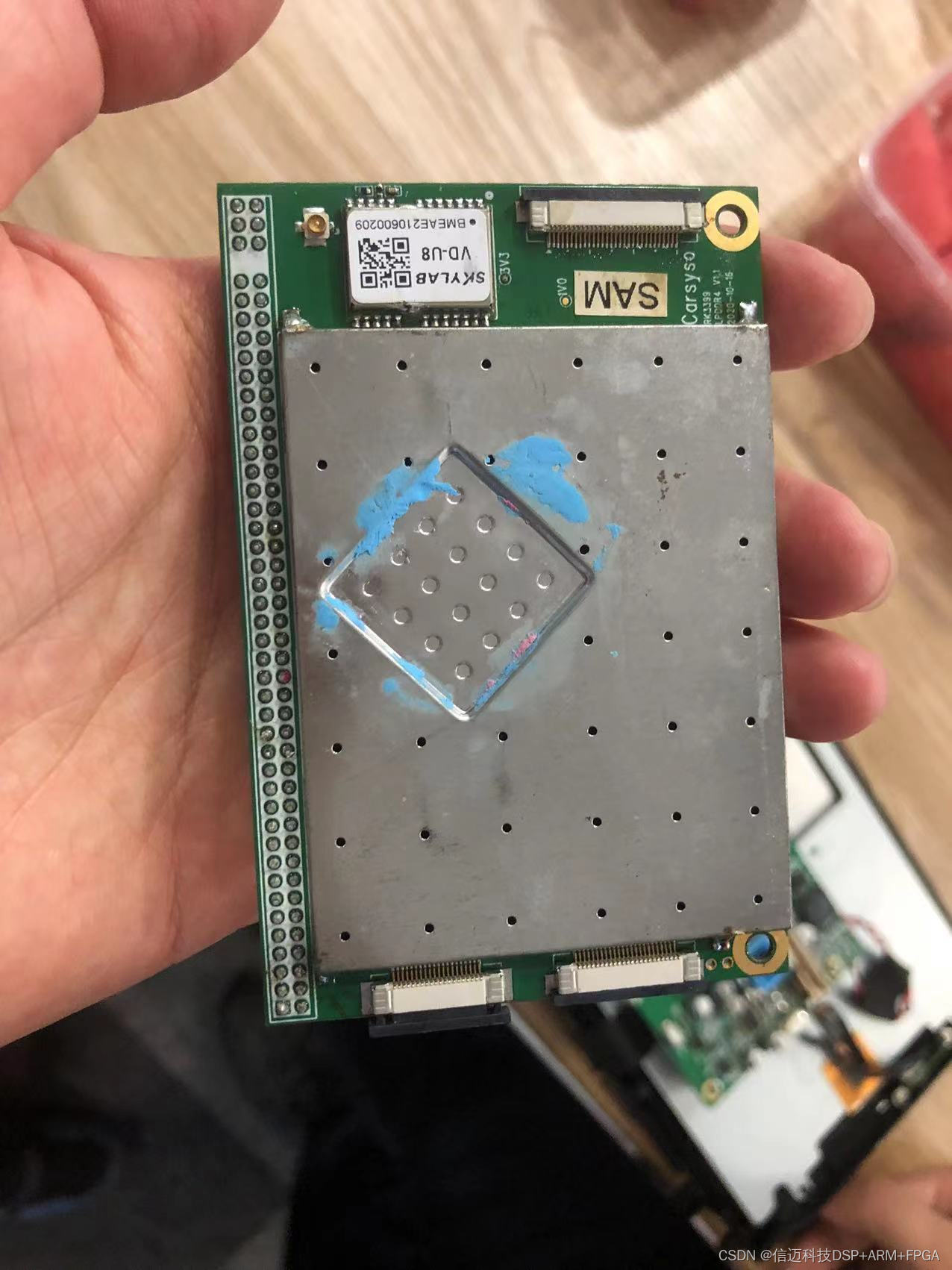
First, let's understand the common image recognition frameworks used in Android systems.
I. Using proprietary libraries for recognition
Megvii's image recognition and OCR text recognition libraries, and OCR text recognition libraries from other manufacturers such as Alibaba, Baidu, Huawei, and Tencent.
II. Using open-source libraries for recognition
- TensorFlow for training and recognizing custom images
- First, train many images on Ubuntu to obtain your category model files: xxx.pb and xxx_labels.txt.
- Place the files generated in the previous step into your Android Studio (AS) project.
- Add TensorFlow dependency in AS.
- Make modifications to the TensorFlow-provided Android project to create your own project.
- Run the project to start recognition.
To use TensorFlow on Android, the official documentation provides two project approaches:
- TensorFlow for Mobile: Mature, with many features and methods.
Simply configure build.gradle and call TensorFlow-related APIs for recognition.
- TensorFlow Lite: Lightweight, enabling low-latency inference for machine learning models on devices.
Download the mobile model and labels files, unzip them into the assets folder, import them into the TensorFlow project, and call TensorFlow-related APIs for recognition.
Note that this method cannot directly use TensorFlow models; the models need to be converted.
- OpenCV for training and recognizing custom images
- Configure the OpenCV environment in AS, download and configure the OpenCV SDK.
- Use OpenCV tools on Windows to train a custom image dataset.
- Load the trained dataset into AS.
- Write your own Android project.
- Run the Android project for recognition.
- TensorFlow for training custom images, real-time processing of camera images acquired by OpenCV (OpenCV performs image segmentation), and recognition (https://blog.csdn.net/qq_33200967/article/details/82773677)
The difference between this method and using TensorFlow alone is the use of image segmentation from OpenCV to recognize all segmented objects.
- Others:
Additionally, there are other open-source image recognition methods, such as Tesseract (which supports OCR text recognition), that can be integrated into Android for recognition.
Image Recognition Implementation on OK3399-C Platform Android System
The Android image recognition implementation on OK3399 uses TensorFlow to train custom images on Ubuntu, and TensorFlow Lite for recognition on Android. The recognition part utilizes the RK3399's internal Mali-400 GPU.
Regarding the Model
First, we have the trained TensorFlow model file: xxx.pb.
Next, the model file is converted: first into the xxx.tflite model file supported by TensorFlow Lite, and then into the xxx.rkl model file supported by RK3399's SSD (Single Shot MultiBox Detector).
Then, this converted model file is added to the Android project.
The basic implementation of this Android example is as follows:
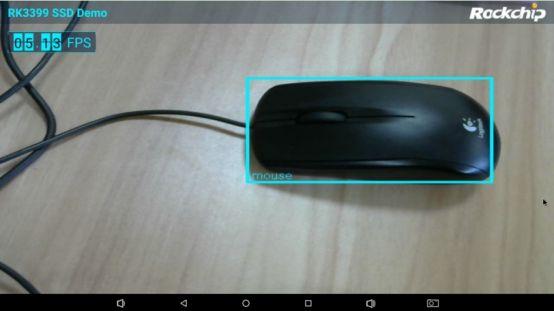
Open the camera preview and simultaneously create a tracking thread. The tracking thread continuously checks for available images. Once an image is available, it calls the recognition API for recognition. The recognition function returns the position and type of the recognized object, then obtains the object's bounding box in the image, and draws it.
In addition to the Java implementation, this example involves three libraries: librkssd4j.so, librga.so, and librkssd.so.
Below is an introduction to these three libraries.
librkssd4j.so
Usage: A library directly called by the Android example.
Source code location: rk_ssd_demo_rk3399\app\src\main\cpp
Function: Calls librga.so for image format conversion, flipping, and compression, then calls librkssd.so for recognition.
librga.so
Usage: Loaded by librkssd4j.so.
Source code location: OK3399-android7-source/hardware/rockchip/librga/
Function: Used to determine if the platform supports RGA, and to perform YUV to RGB conversion. RGA primarily performs operations such as format conversion, flipping, and scaling on image data.
librkssd.so
Function: Performs image recognition, utilizing the RK3399's internal Mali-400 GPU.
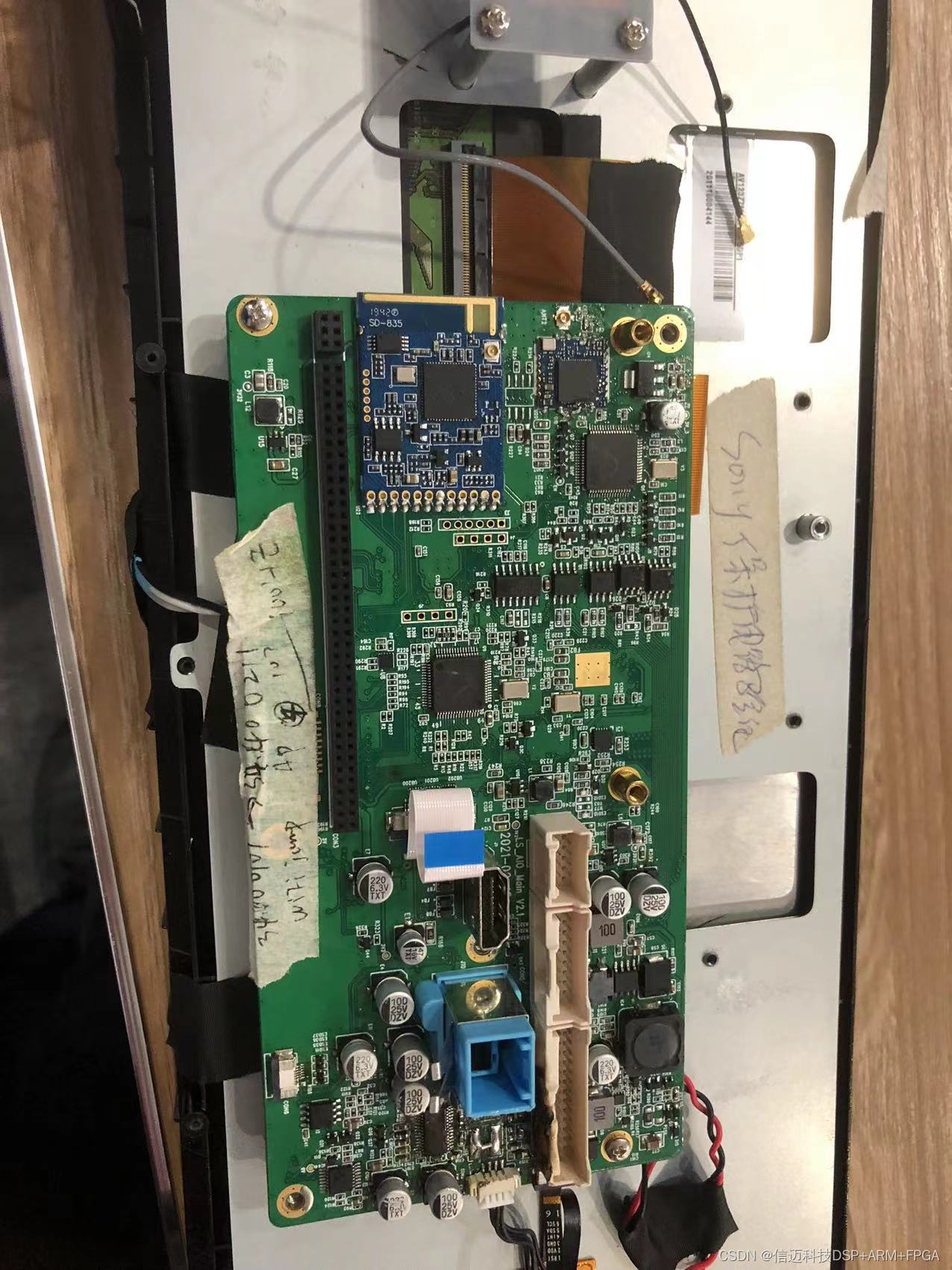
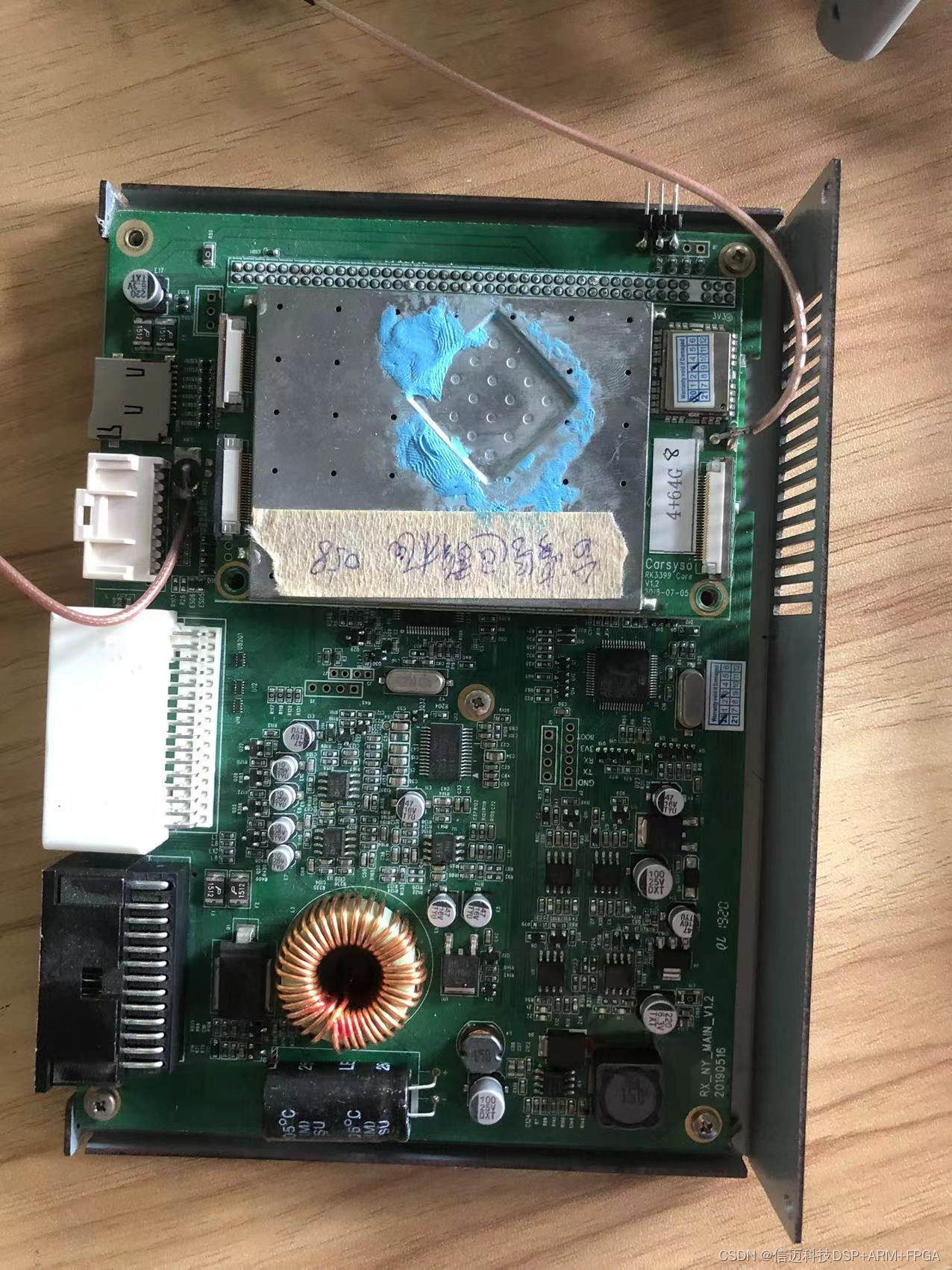
Below are the running results:
References:
Rockchip Official Documentation RKDocs/rk3399/ RK3399_SSD_Android& Linux_V1.0_20180522.pdf