Xinming AM5728 CAN Bus Test Method
#AM5728#CAN#DSP#ARM#总线测试
CAN Bus Test Method
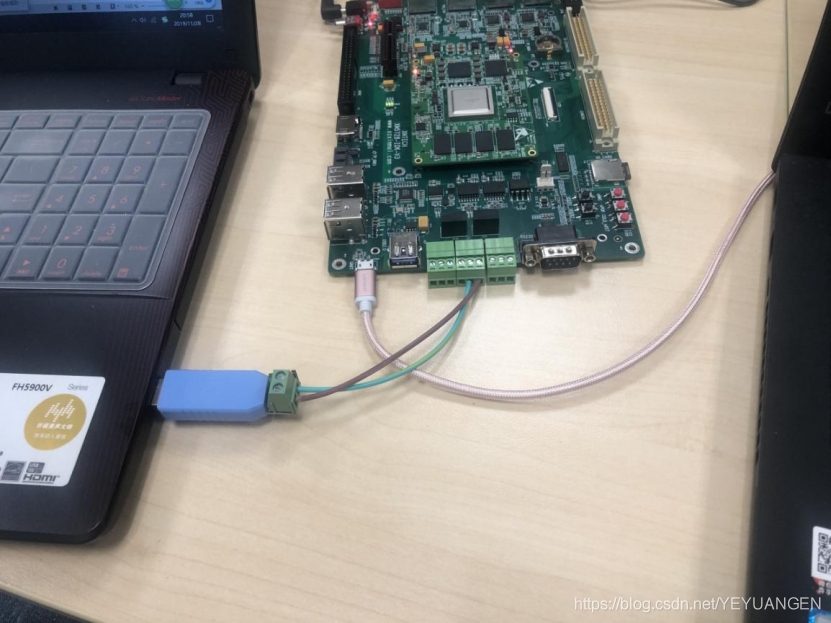
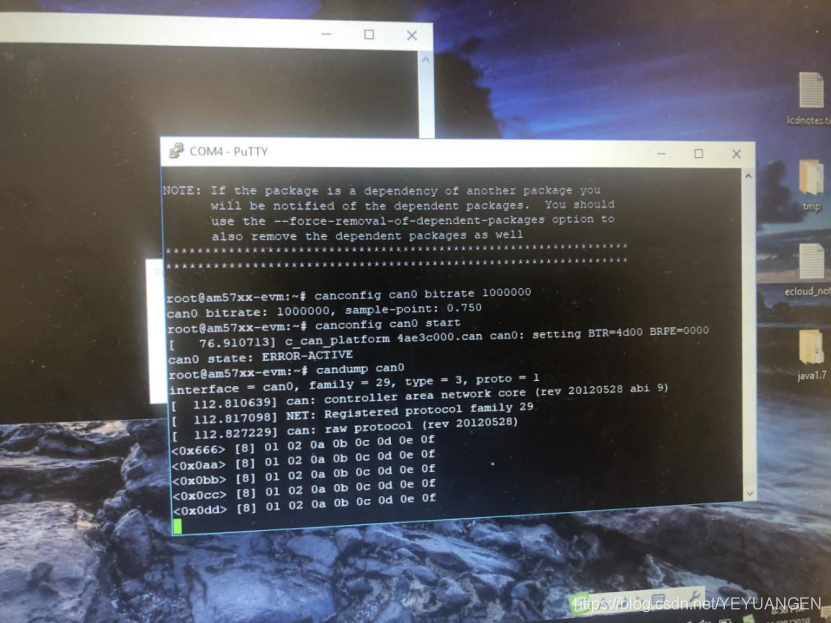
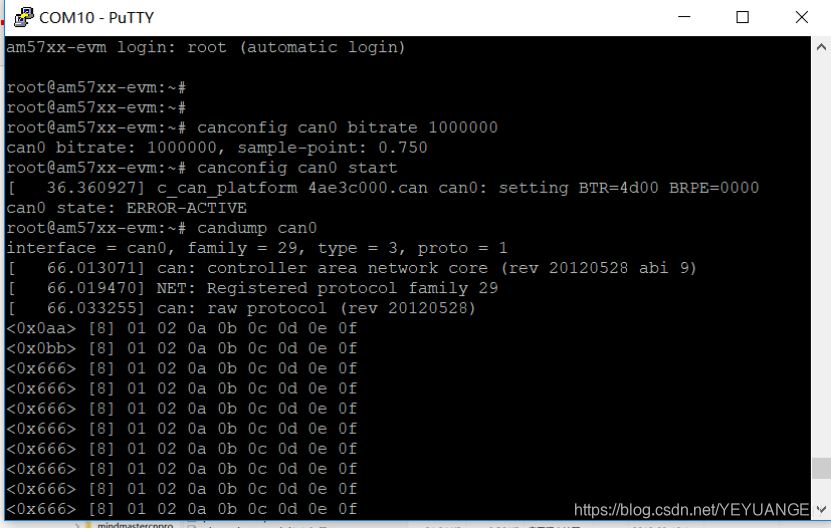
On the development board's file system, execute the following commands to configure CAN0 bus (the software CAN0 corresponds to hardware CAN1) with a bit rate of 1 Mbps, and start the CAN bus:
Target# canconfig can0 bitrate 1000000
Target# canconfig can0 start
Execute the following command to monitor data received from the PC side:
Target# candump can0
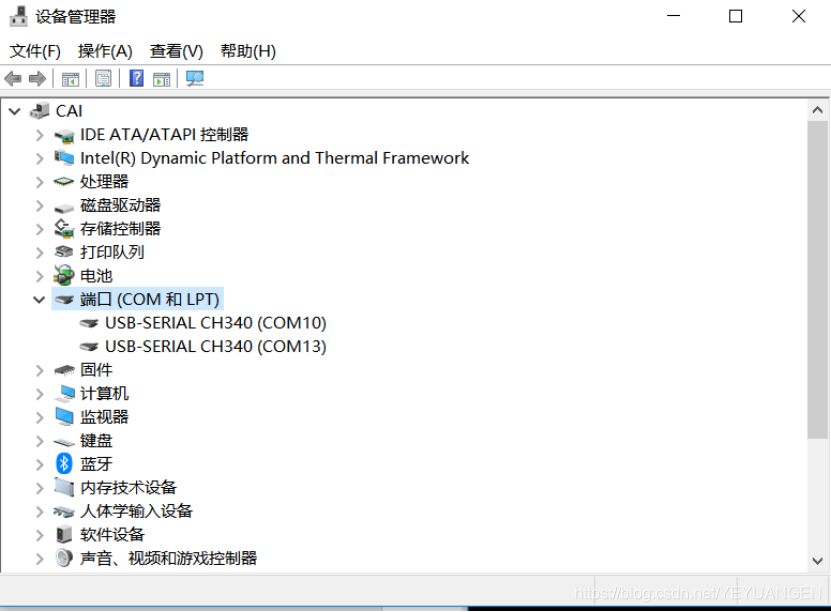
Driver is automatically installed on the PC
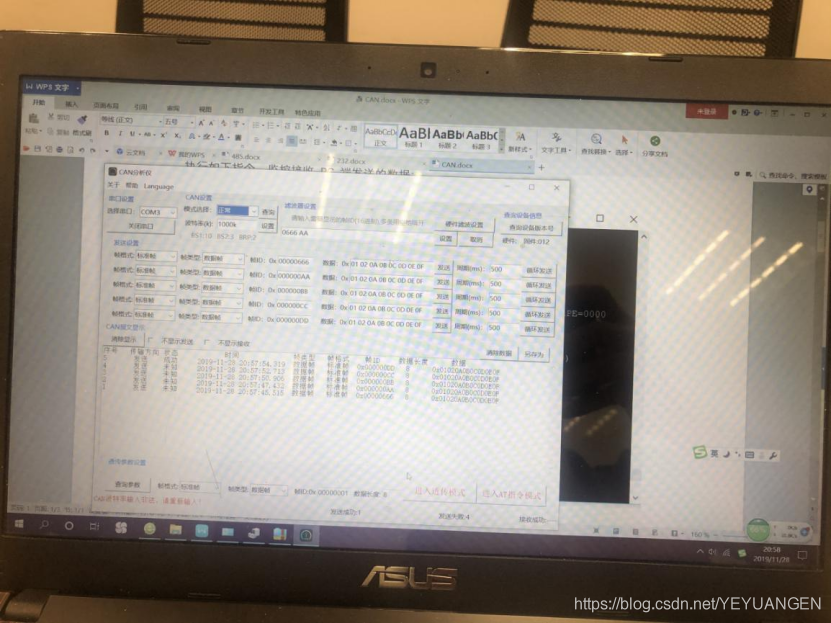
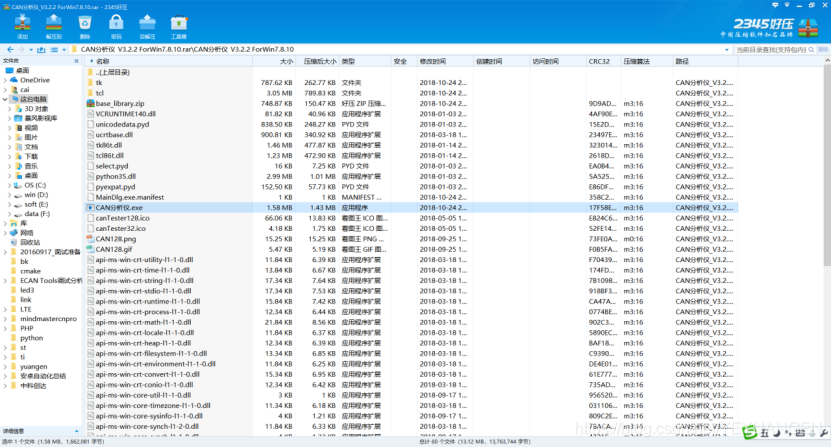
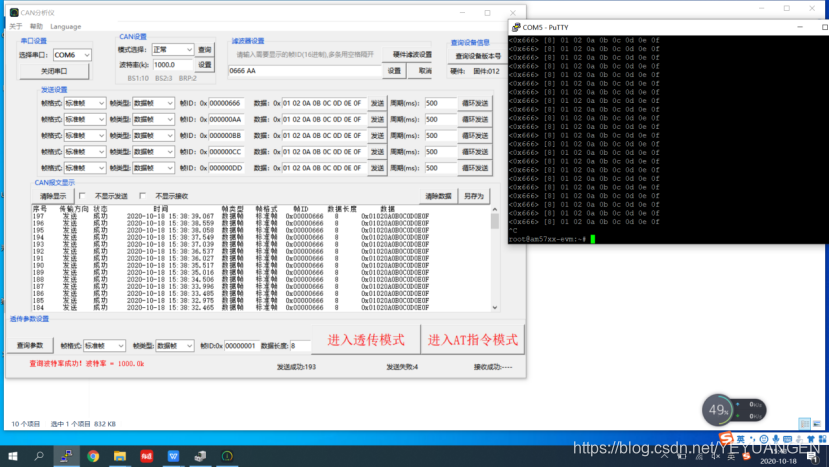
Then launch the debugging instrument software
I. First, set the COM port with a bit rate of 1 Mbps,
II. Select any data and click Send or enable cyclic transmission
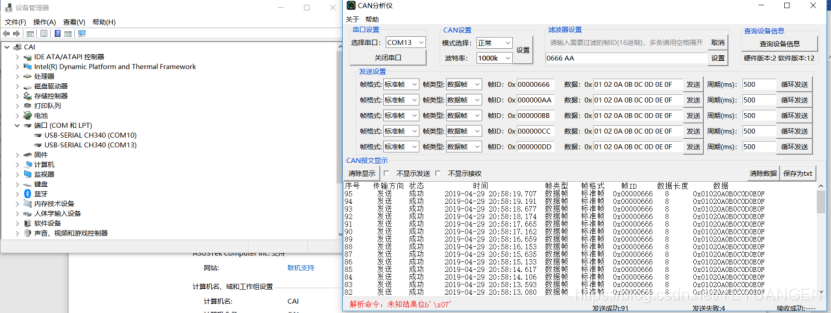
- Example images