AM5728 OpenCV 4.4 Porting Success Experience Sharing
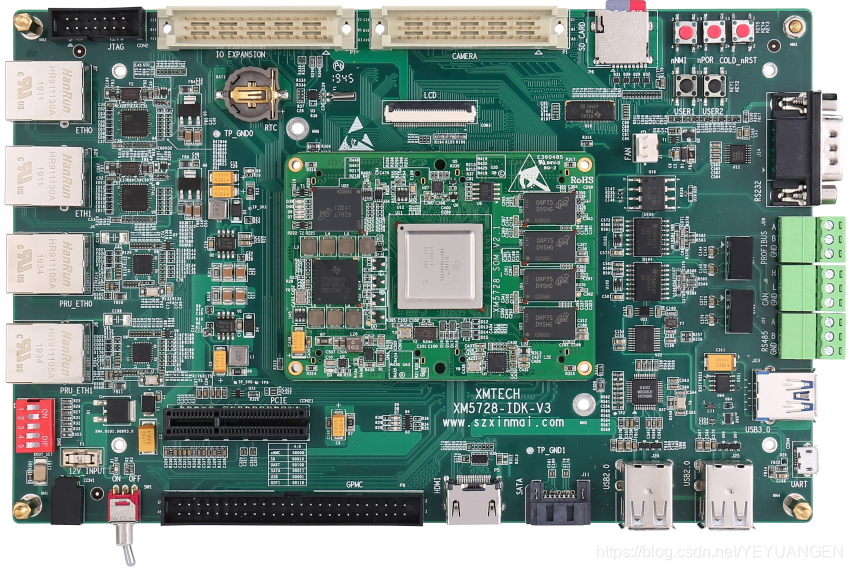
The porting process described here uses the Xinming AM5728 IDK development board. Our company's project involves power condition monitoring and requires high-definition image processing. The project is based on AM5728 + Lattice FPGA.
OpenCV 4.4 supports 3D image analysis, while the OpenCV 3.1 included in the TI SDK only supports 2D image processing.
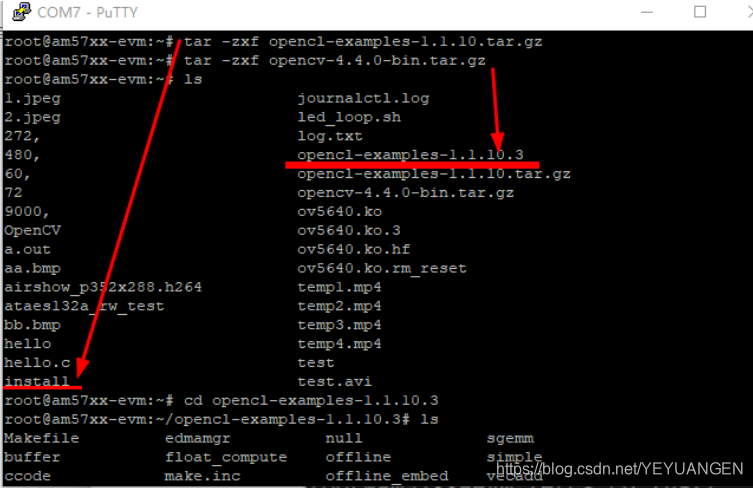
- Copy opencv-4.4.0-bin.tar.gz to the development board (via USB drive or SD card). This file is provided in the cloud storage.
tar -zxf opencv-4.4.0-bin.tar.gz
-
Configure the OpenCV 4.4.0 library
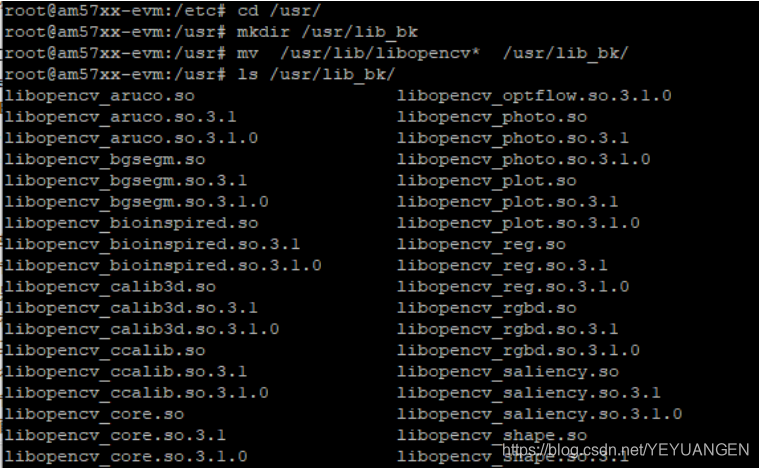
First, back up existing libraries:
mv /usr/lib/libopencv* /usr/lib_bk/
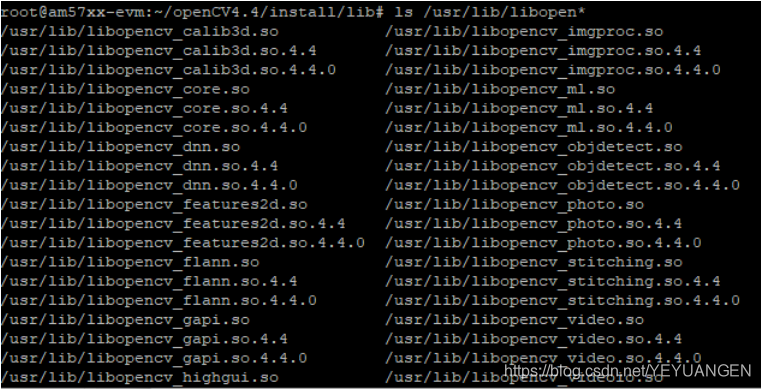
Copy files from the lib directory to the system:
cp ./* /usr/lib/ -r
cp -r include/* /usr/include/
cp bin/* /usr/bin/
cp -r share/* /usr/share/
-
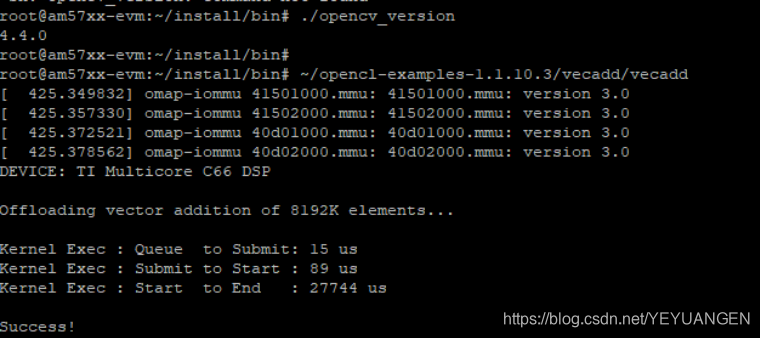
Check version
./opencv_version
-
Running results
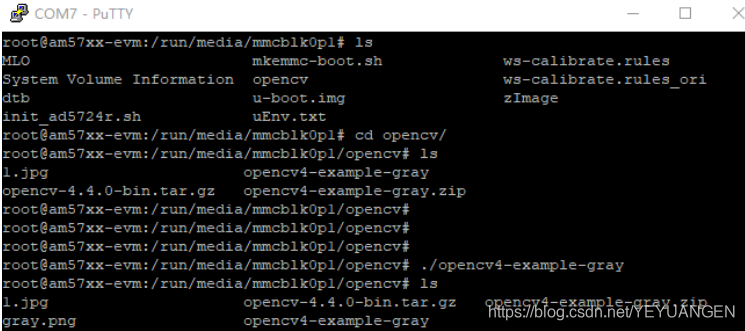
Copy the opencv4-example-gray executable file and an image required by the Exam.cpp program to a directory on the ARM platform. The image used here is named 1.jpg.
Copy the .so files to the /lib directory on the ARM platform.
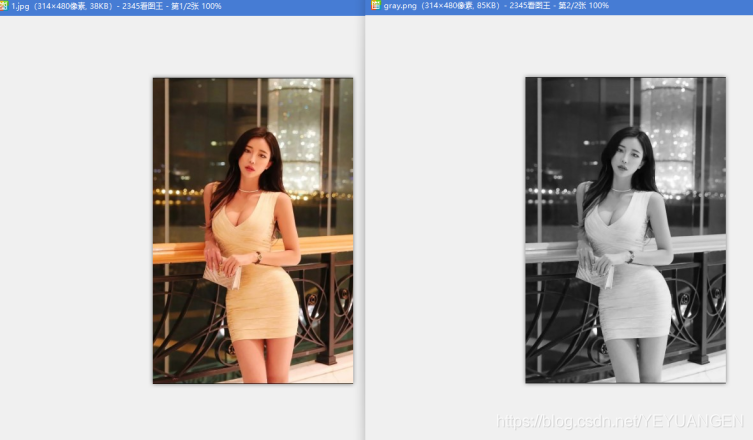
Navigate to the directory containing the opencv4-example-gray executable and the image, then run the command. A new image named gray.png will be generated:
./opencv4-example-gray
Check dependent libraries:
arm-linux-gnueabihf-readelf -a opencv4-example-gray | grep "Shared library:"
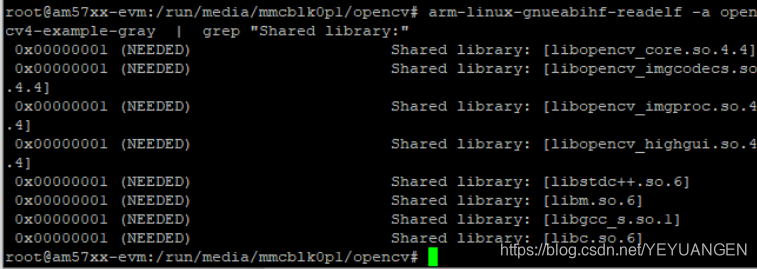
Image displayed on PC:
Welcome for technical exchange. Contact via WeChat: 13670212541